
Implemented product UI · Demo data
Make a Request
The employee hands the email request to WorkBuddy without opening multiple systems first.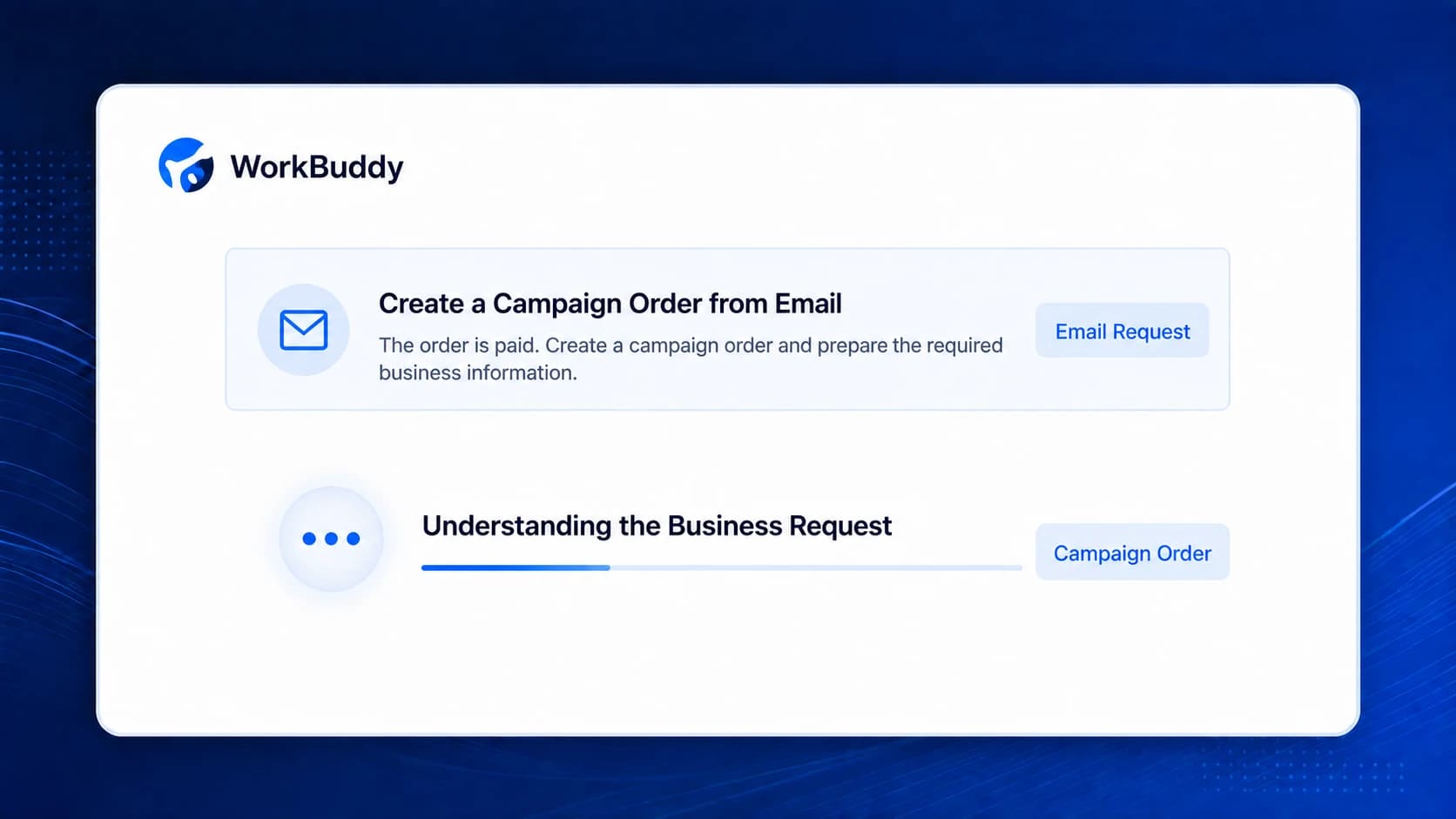
AI System Connector for Mid-size and Large Enterprises
Connect AI workspaces to existing ERP, CRM and office systems. Help employees query orders, analyze information and prepare expense requests within their permissions. People confirm key submissions; the enterprise centrally manages connections, capability access, releases and calls.
WorkBuddy Supported
IMPLEMENTED PRODUCT DEMOAI understands the request, retrieves and validates information through existing systems, then opens and prefills the original business page. The employee remains in control of submission.
Implemented product UI · Demo data
Simplified from a real product workflow with demo data. It does not represent a named customer outcome.
FIVE CONTROLS FOR ENTERPRISE AI
Moving from a demo into real operations takes more than connectivity. Identity, access, data, confirmation and capability governance must work as one control system.
Who is AI acting for—and who is accountable?
Map AI activity to the real user so every action is traceable and responsibility is clear.
Identifiable · AccountableWhat can AI call—and could it overreach?
Authorize by role and scenario so AI only acts within approved boundaries.
Bounded authorizationWhere does data go—and could it leak?
Encrypt data access and transmission end to end to prevent leakage and unauthorized access.
No leakage · No overreachWho confirms submission—and prevents mistakes?
Require people to confirm critical business actions so the process stays controlled and results remain reliable.
People confirm key actionsWho called what—and how can an issue be traced?
Record identity, capability, system, result and time so every production call can be reviewed.
Traceable · Revocable · OperableFROM ANSWERS TO COMPLETED WORK
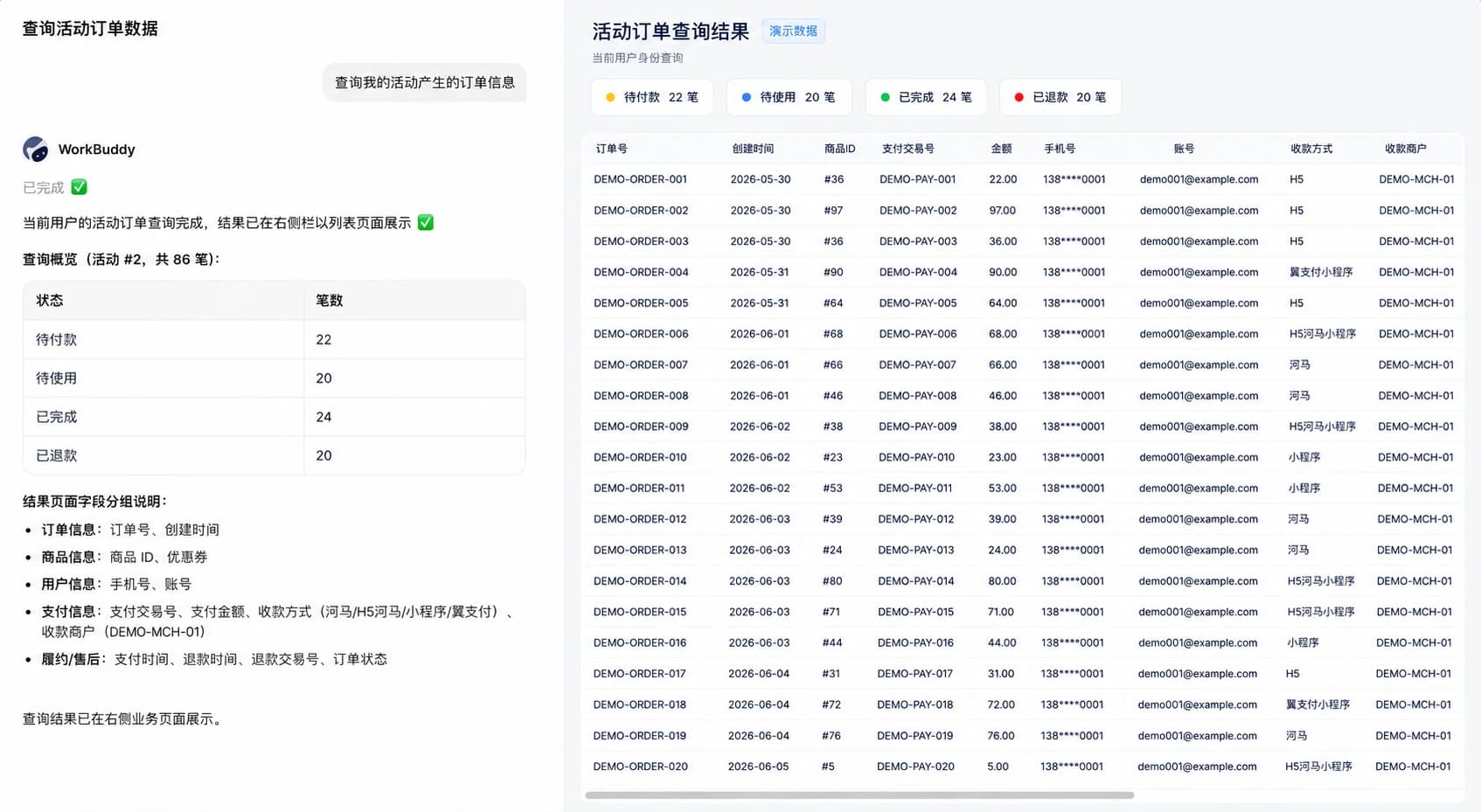
Employees simply explain the task. Nebula PLUS finds the right systems, prepares the business information and returns the result to their current workspace.
FROM PILOT TO ENTERPRISE ROLLOUT
Connecting one scenario is a starting point. Enterprise use across departments, workspaces and systems needs an ongoing management approach.
Sales connects CRM and ERP; finance connects ERP and office systems. More entry points make the full map harder to review.
Similar capabilities are configured in different projects. Teams must separately review access and opportunities for reuse.
System changes require multiple entry-point checks. Failed calls leave teams searching across separate records.
UNIFIED CONNECTIONS & MANAGEMENT
AI workspaces handle interaction. Business systems retain their facts and rules. Nebula PLUS manages the connection and capability layer between them.
Conceptual comparison using the same entry points and systems; not a deployment topology or effort estimate.
| Dimension | Separate connections | Unified connections |
|---|---|---|
| Connections | Separate links make the full connection map difficult to review. | Review workspace, capability and system relationships in one place. |
| Access | Permissions are scattered and must be checked connection by connection. | Manage capability access centrally and validate employee and system permissions. |
| Capabilities | Teams repeatedly build similar queries, APIs and forms. | Manage connected capabilities for reuse by authorized employees and workspaces. |
| Changes | API changes require fragmented impact reviews and maintenance. | Coordinate adapters, capability versions, releases and the required integration checks. |
| Troubleshooting | Records across separate entry points are difficult to connect. | Review calls by user, capability, system, result and time to investigate issues. |
| Rollout | Each new department repeats connection and authorization work. | Configure identities and access around existing capabilities, then expand gradually. |
CAPABILITIES WITH AN OPERATING LIFECYCLE
Turn an integration into a capability your enterprise can maintain and extend. Reuse depends on identity, authorization and workspace compatibility.
Organize APIs, database queries, business pages, prompts or workflows into capabilities for AI.
Iterate descriptions and configuration with a clear scope for each change.
Release checked capabilities to target entry points and coordinate scenario verification.
Define employee, organization or workspace access and apply system identity and permission checks.
Review calls, results and duration. Investigate exceptions and verify access scope.
Change authorization or disable capabilities as needed, reviewing affected entry points.
PROTECT EXISTING SYSTEMS
Keep existing systems running and managing business logic, identity, permissions and pages. Nebula PLUS connects only published and authorized capabilities to AI workspaces.
AI BUSINESS PASS
AI enters business systems as a real employee. Create, update and approval actions return to the employee for confirmation before execution.
TWO WAYS TO ENGAGE
Review existing systems, business goals, security boundaries and the first verifiable workflow—without transforming everything at once.
Reuse customer relationships, industry experience and delivery teams to expand from single-system projects to ongoing cross-system services.
QMS and APS
3-week launch · 60% lower costPhased WMS modernization
Smooth core-business transitionOA, ERP, MES and WMS
4 types of core systems connectedUse a connection assessment to define systems, permission boundaries, the first scenario and an implementation path.