
Cross-system Query
- Employee asks
- “Which orders may be delayed?”
- Systems
- Nebula PLUS
- Retrieve order, schedule and inventory information
- Result
- At-risk orders with cause explanations
ENTERPRISE AI SCENARIOS
Employees make a request in one workspace. Nebula PLUS connects business systems under each employee’s existing identity and access to query, analyze and complete work.
Keep existing systems · retain employee access · confirm key actions
Find real business information
→Explain changes and causes
→Prepare the page for confirmation
THREE BUSINESS OUTCOMES
Every scenario starts with one employee request and ends with a business result that can be reviewed.
The overview uses demo content and does not represent a named customer outcome.
PRODUCT SCENARIO VIDEOS
Watch Nebula PLUS extract business information from files or photos, prepare it for employee review and write the confirmed result into existing Kingdee and Yonyou systems. Each card opens the full video on Bilibili.
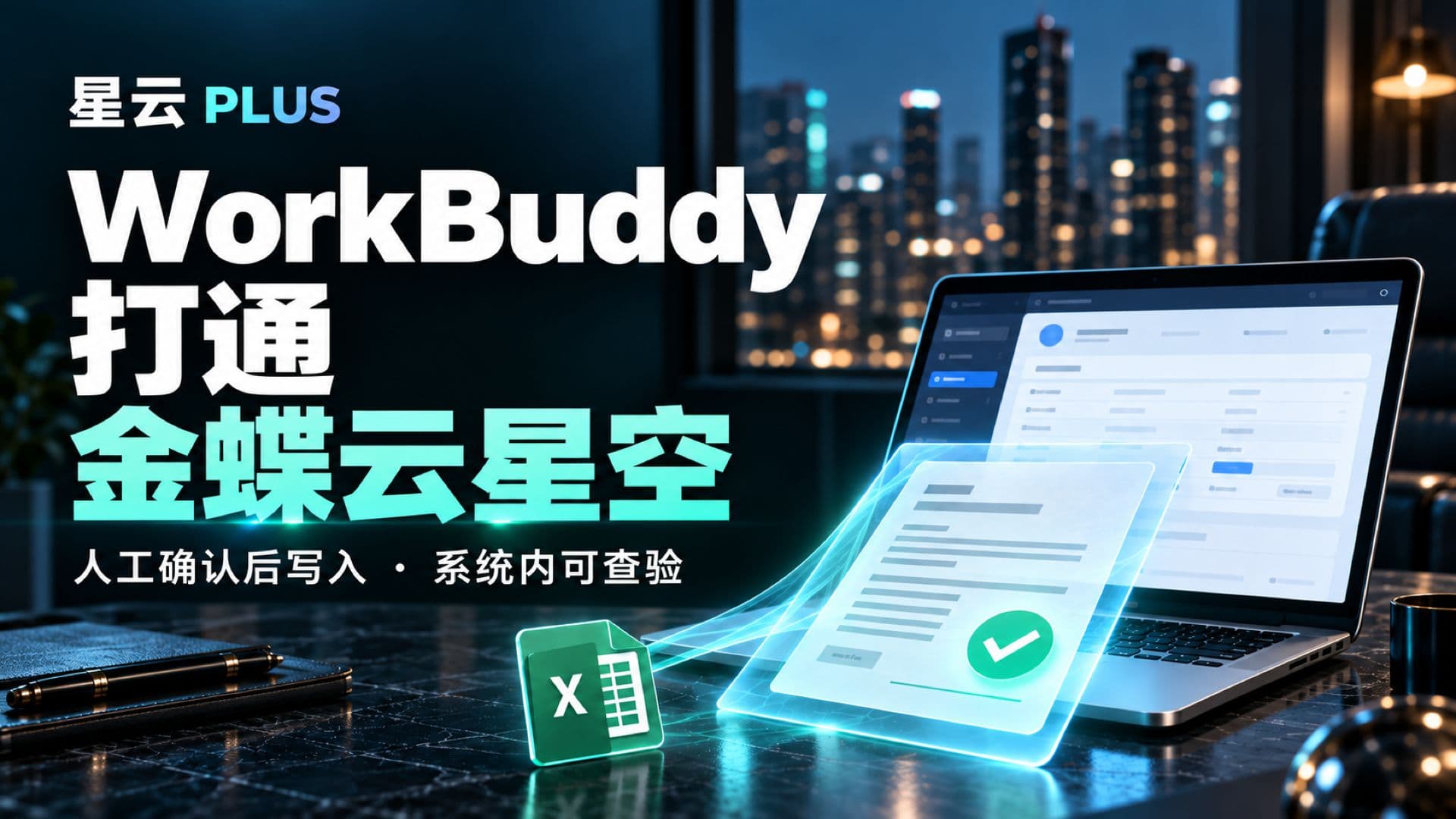 01:39Bilibili使用星云业务通打通workbuddy和金蝶系统Extract a production order from an Excel file, prepare a review page and write the employee-confirmed result into Kingdee Cloud Galaxy for further verification.Watch the Full Video ↗
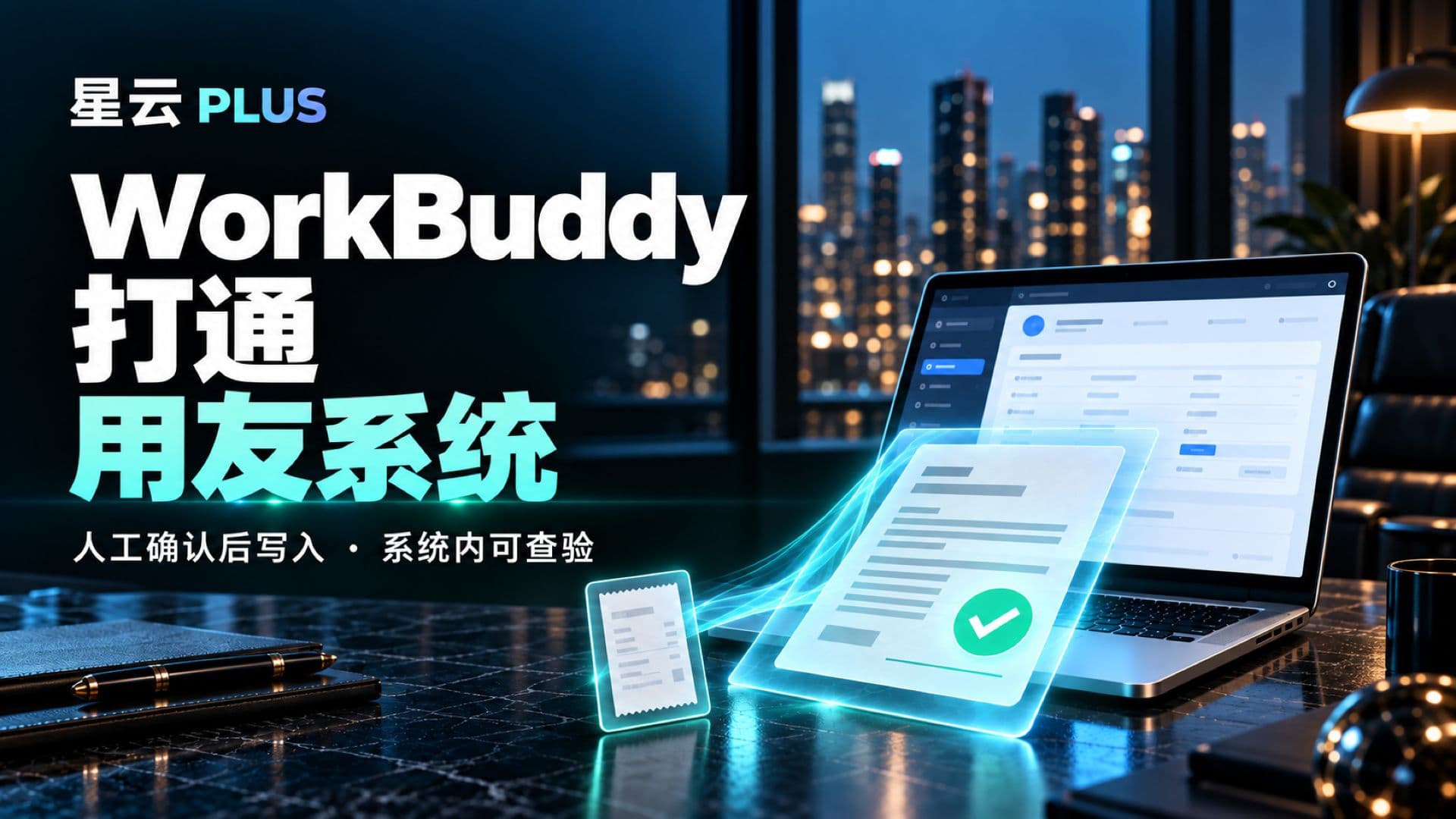 01:32Bilibili使用星云业务通打通workbuddy和用友系统Recognize a receipt image, prefill a business document and let the employee complete and confirm it before saving the record to Yonyou.Watch the Full Video ↗
 00:43Bilibili合同拍成照片,就能自动填表?星云 PLUS 让 AI 接上业务系统Give WorkBuddy a contract photo, review the automatically extracted and prefilled fields, then write the confirmed information into the business system.Watch the Full Video ↗
CROSS-SYSTEM QUERY
An employee asks in WorkBuddy. Nebula PLUS queries authorized business data as that employee and opens a result page for further filtering and review.
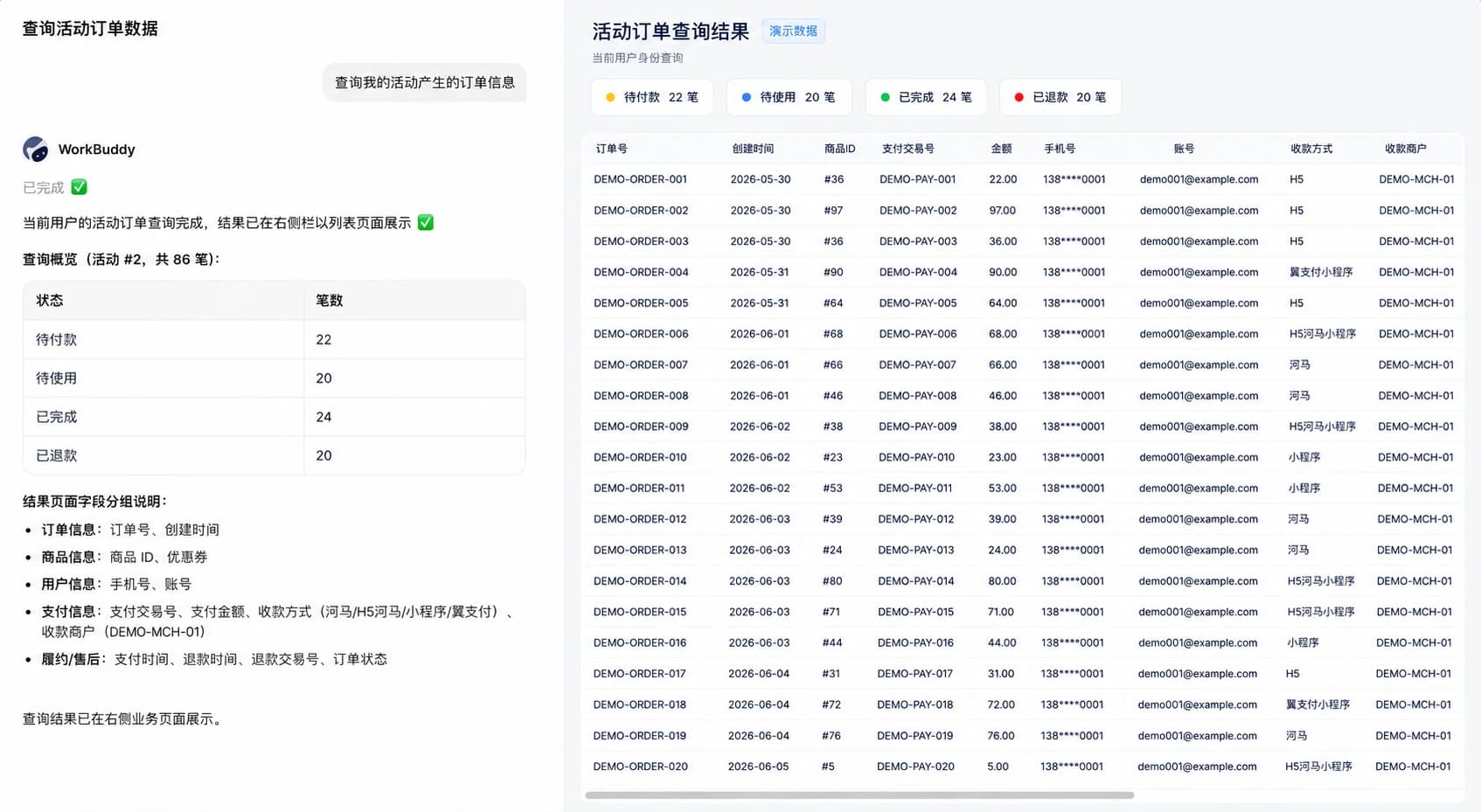
WorkBuddy receives the employee request. Nebula PLUS queries business data under the current employee identity and opens a filterable result page.
CROSS-SYSTEM ANALYSIS
Nebula PLUS organizes authorized business data under consistent definitions, then opens a page covering status, channels, payment methods and trends.
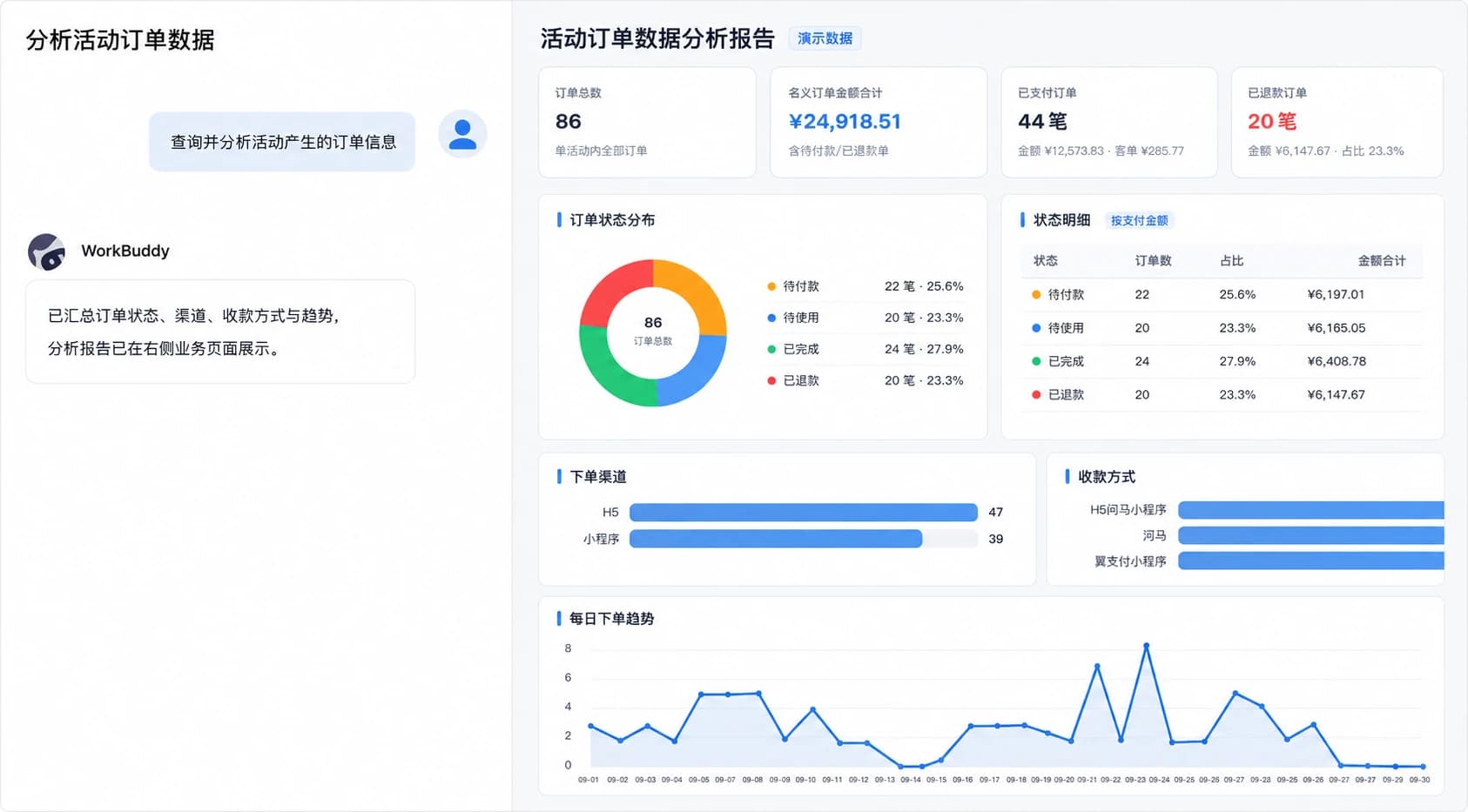
WorkBuddy consolidates business data. Nebula PLUS opens an analysis page covering order status, channels, payment methods and trends.
CROSS-SYSTEM ACTION
WorkBuddy receives the request. Nebula PLUS retrieves and validates business information, opens and prefills the original page, and leaves submission to the employee.
The following is an implemented product demonstration using demo data. It is not a named customer outcome.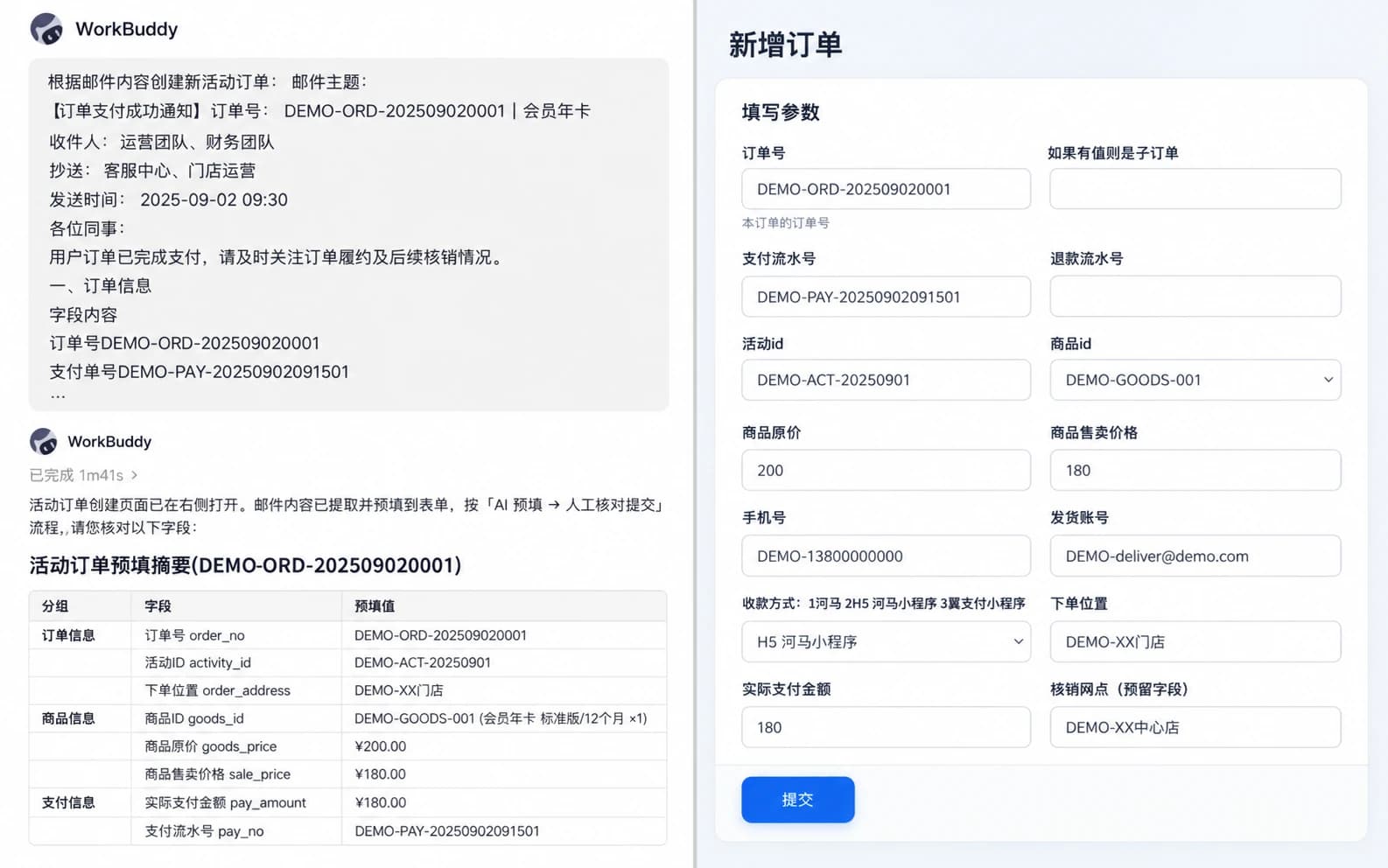
WorkBuddy extracts business information from a payment-success email. Nebula PLUS validates it and prefills the original business page for employee confirmation and submission.
CHOOSING THE FIRST SCENARIO
The first scenario should have clear business value, a known access boundary and a result the enterprise can verify—not necessarily the greatest complexity.
CONTINUE THE EVALUATION
Review employee identity, functional access, data access, confirmation and invocation audit.
Review Security Boundaries →Review databases, read-only SQL, APIs, pages, Skills, Agents and the unified MCP service.
Review Integration Methods →EXPLORE BY EXISTING SYSTEM
Each solution starts with a specific business problem and explains the systems, access boundaries and acceptance result.
FAQ
No. Nebula PLUS first reuses existing data, APIs, business pages, employee identity and access.
No. Queries and analysis remain subject to the employee’s data access in the target system, which retains the final decision.
No. Queries and validation can run automatically. Employees can review and confirm create, update and approval actions before submission.
Assess read-only data, existing APIs and original business pages, then begin with a clearly bounded, verifiable capability.
No. Query and analysis are business process storyboards. WorkBuddy is an implemented product demonstration. There is currently no public AI System Connector customer story.
Align systems, employee access, expected results, confirmation points and the first acceptance workflow.